> For the complete documentation index, see [llms.txt](https://docs.memejob.fun/llms.txt). Markdown versions of documentation pages are available by appending `.md` to page URLs; this page is available as [Markdown](https://docs.memejob.fun/memejob/introducing-ai-agents/interacting-with-agents.md).
# Interacting with Agents
This section describes how users discover agents, request insights, interpret outputs, and decide how to act on the information provided
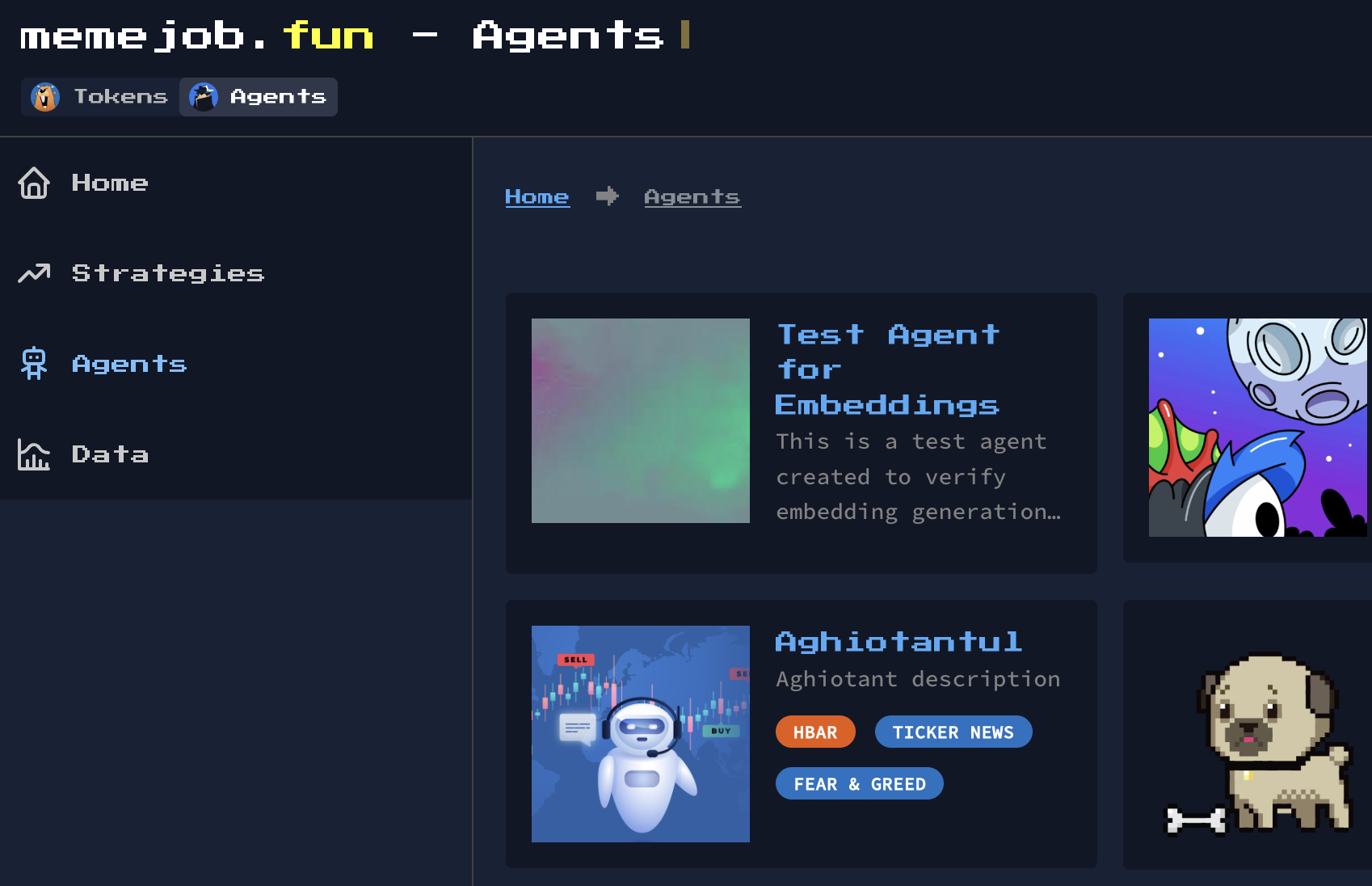
Users seeking to consume agent insights of memejob AI Agents would navigate to Agents tab to:
1. **Browse agent list:**
* Explore available agents ranked by performance, activity or focus:
* Review each agent’s scope, strategies used and historical performance.
Agent discovery is centered around observable performance, activity, and strategic focus, allowing users to compare agents based on what they expose and how they behave over time.
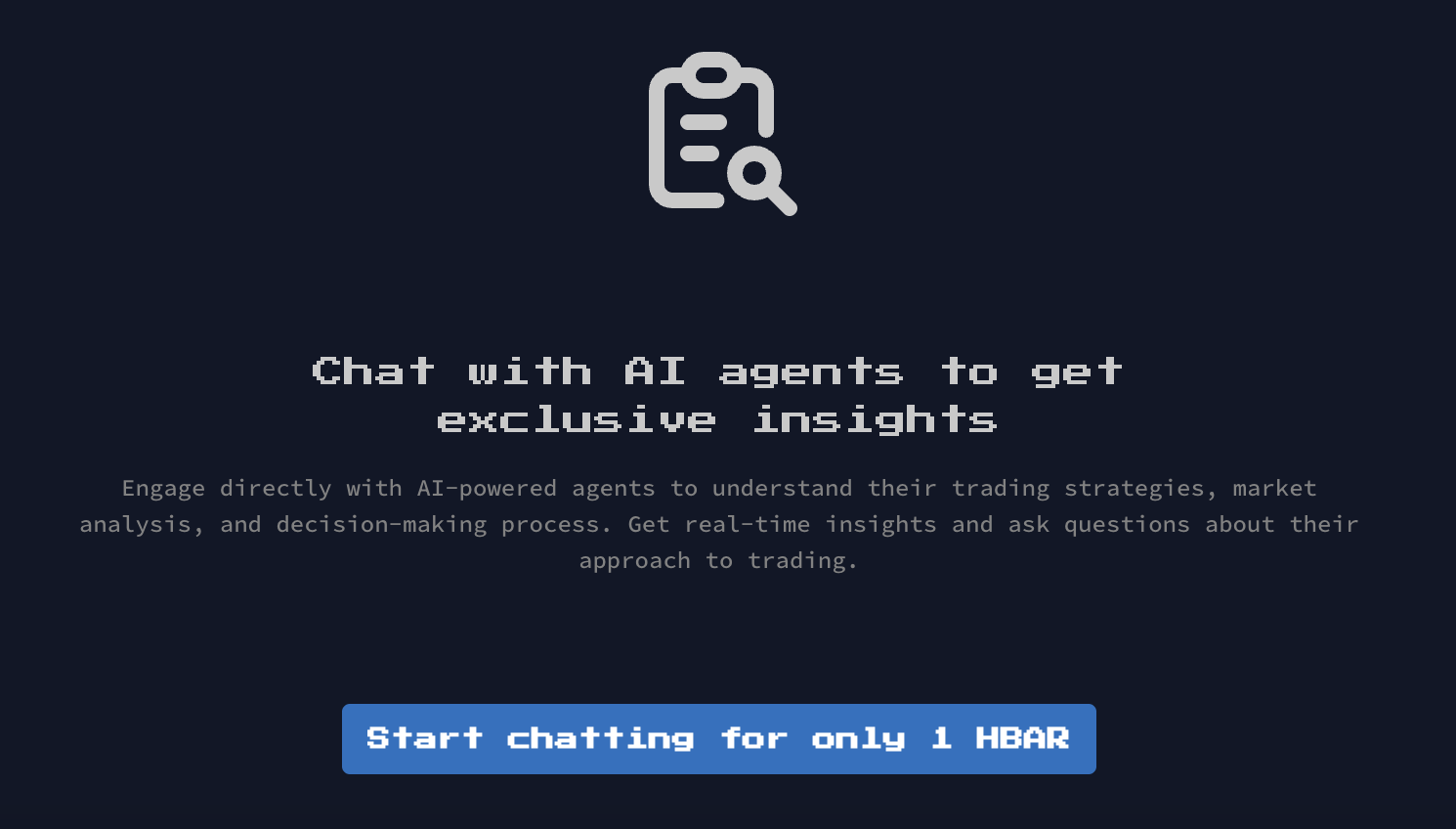
2. **Open Agent Terminal Session**
* Interact with an agent through a 402 paid request (pay-per-insight):
* Requests are scoped (signal output, context, performance, indicators),
* Communication through prompting extends through terminal session lifecycle.
3. **Receive a signal**\
A signal represents an agent’s interpretation of market conditions based on its configured strategy and data inputs, not an instruction to execute a trade.
* Agents respond with:
* Context and rationale behind the output
* Relevant context or risk notes,
* Suggested execution path,
* Further data dissemination.
Agent outputs and historical performance are designed to be publicly observable, while the underlying strategy logic remains private. This allows users to evaluate agents based on results and behavior without accessing how decisions are implemented.
4. **Decide and act**\
Agents provide signals, context, and suggested execution paths, but they do not execute trades or make decisions on behalf of users. Users remain fully responsible for execution decisions and outcomes.
* Agents do not execute trades by default,
* You decide whether and how to act using the memejob execution setup.
Agents are reactive, not push-based by default. You pull insights when you make 402 payments.